New members do not know where to start
Goals, experience, schedule, and format all shape the right introductory option.
Eyeleven / Fitness studios
Guide class discovery, coordinate trials, and keep membership questions connected to your studio team.

01 / Operational challenges
Goals, experience, schedule, and format all shape the right introductory option.
Capacity, prerequisites, and preferred times must align before a slot is useful.
Policies, packages, and class access repeat while coaches focus on members.
02 / Example functions
Industry-specific workflow examples. The eleven OmniForce Director templates define department responsibility; your workspace defines which tasks are enabled.
Guides prospects through approved formats and prerequisites.
Collects suitable times and checks the studio's trial rules.
Answers approved package and policy questions, then routes exceptions.
Explore the 11 master departments ↗ to see their responsibilities and approval boundaries.
03 / Customer journey
An illustrative workflow. No customer operation is running and no action is being sent.
A beginner asks for an evening strength class and wants to try one session.
Step 01 · Prospect
Capture goals, experience, preferred format, and available times.
Do not provide medical or individualized training advice.
Step 02 · Class workflow
Compare the request with approved class descriptions and prerequisites.
Do not assume capacity or suitability.
Step 03 · Trial workflow
Request a valid trial slot through the studio's scheduling rules.
Confirm only through the configured schedule.
Step 04 · Studio team
Receive goals, experience, and any question requiring a coach.
Coaches own health, safety, and program decisions.
04 / Capabilities and connections
Handle prospective-member questions.
Use approved schedules, formats, and membership policies.
Coordinate trial requests against reviewed capacity.
Route coaching or membership exceptions to staff.
Available actions depend on your plan, connected tools, channel permissions and configured approval rules.
05 / Operational outcomes
The intended outcomes of a configured workflow, not measured customer results.
Studios receive goals and experience before the trial begins.
Availability and prerequisites enter the same coordination path.
Routine membership questions use approved studio information.
06 / Inside the OS
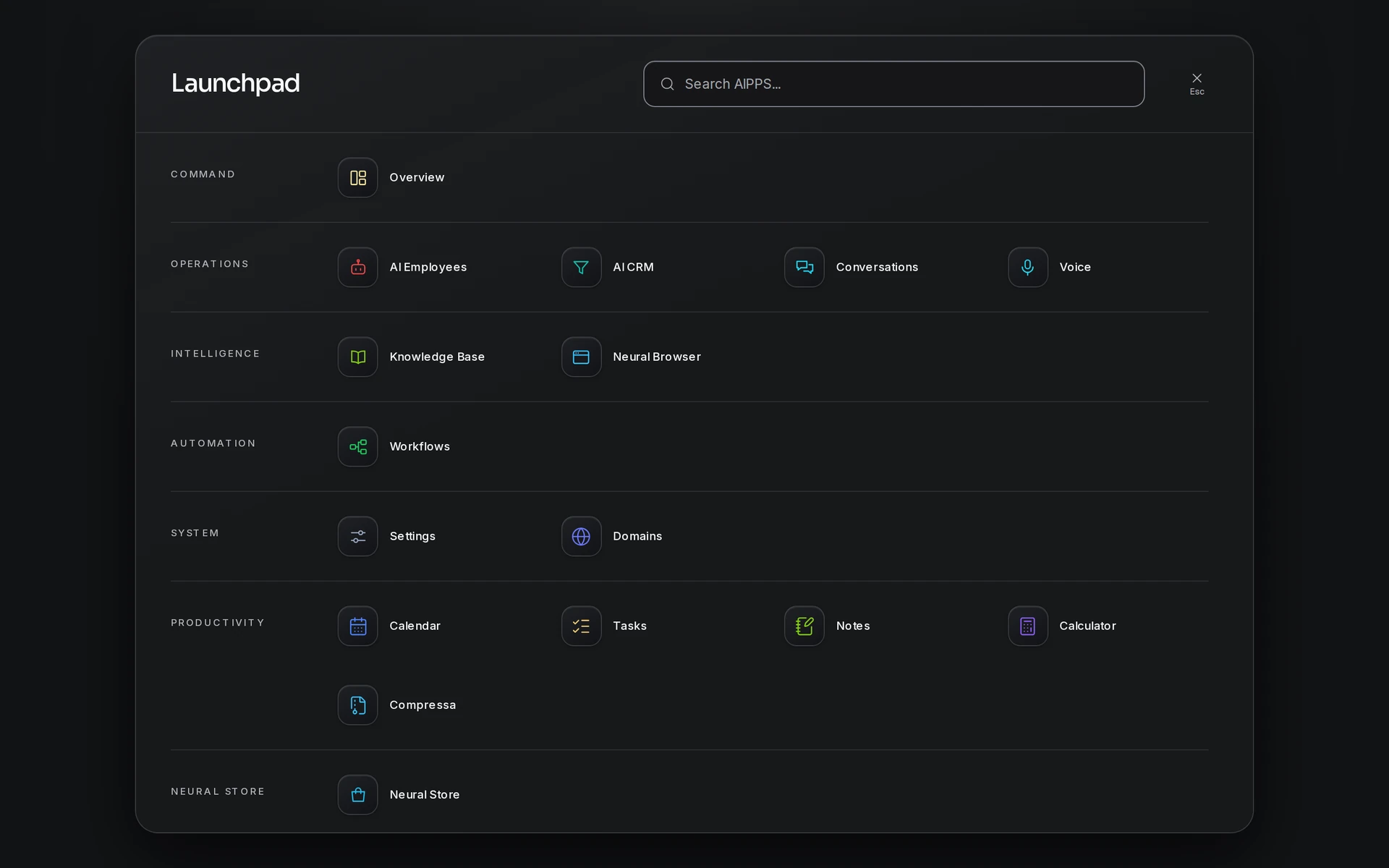
Keep workflow state, approved knowledge and human handoff in the same operating environment.
07 / Industry FAQ
No. It can explain approved class formats and gather goals. Coaches remain responsible for training and health decisions.
Capacity must come from a reviewed scheduling source. Without one, the workflow gathers preferences for staff confirmation.
Your team defines the handoff conditions. When one is met, the workflow pauses and passes the conversation with its context intact.
Bring the class schedule, prerequisites, trial policy, membership information, calendar access, and staff escalation path.
Explore more
 Care & wellness
Coordinate information and appointment requests while clinical decisions remain with qualified professionals.
Explore the workflow Care & wellness
Explain approved services, coordinate consultations, and keep clinical decisions with qualified staff.
Explore the workflow Commerce
Guide decisions, continue eligible checkouts, and support customers with one supervised AI workforce.
Explore the workflowFitness studios · Eyeleven AI Workforce OS
Connect its approved knowledge, define the handoff, and give your first OmniForce a clear role.