Property questions repeat
Amenities, access, location, suitability, and house rules shape the booking decision.
Eyeleven / Vacation rentals
Guide booking enquiries, prepare arrivals, and route on-stay exceptions with host supervision.

01 / Operational challenges
Amenities, access, location, suitability, and house rules shape the booking decision.
Check-in guidance should reach the right guest at the approved point in the stay journey.
Urgency, property, impact, and access determine who should respond.
02 / Example functions
Industry-specific workflow examples. The eleven OmniForce Director templates define department responsibility; your workspace defines which tasks are enabled.
Answers from approved property and house-rule information.
Prepares approved check-in and stay information.
Classifies on-stay issues and routes them to the right host.
Explore the 11 master departments ↗ to see their responsibilities and approval boundaries.
03 / Customer journey
An illustrative workflow. No customer operation is running and no action is being sent.
A family asks whether a property fits their stay and how late check-in works.
Step 01 · Guest
Capture dates, party needs, relevant amenities, and arrival timing.
Do not infer availability or suitability from missing facts.
Step 02 · Stay workflow
Use approved property and house-rule information.
Flag unconfirmed amenities and booking status.
Step 03 · Arrival workflow
Provide approved next steps and collect open arrival questions.
Share access information only through the approved verified path.
Step 04 · Host team
Confirm availability, exceptions, and any special arrival arrangement.
Hosts own booking and access commitments.
04 / Capabilities and connections
Use approved amenities, policies, and house rules.
Continue eligible guest conversations.
Check booking context only through reviewed access.
Assign booking and on-stay exceptions.
Available actions depend on your plan, connected tools, channel permissions and configured approval rules.
05 / Operational outcomes
The intended outcomes of a configured workflow, not measured customer results.
Needs and property questions reach the host together.
Approved instructions follow the configured stay stage.
On-stay issues include property and impact context.
06 / Inside the OS
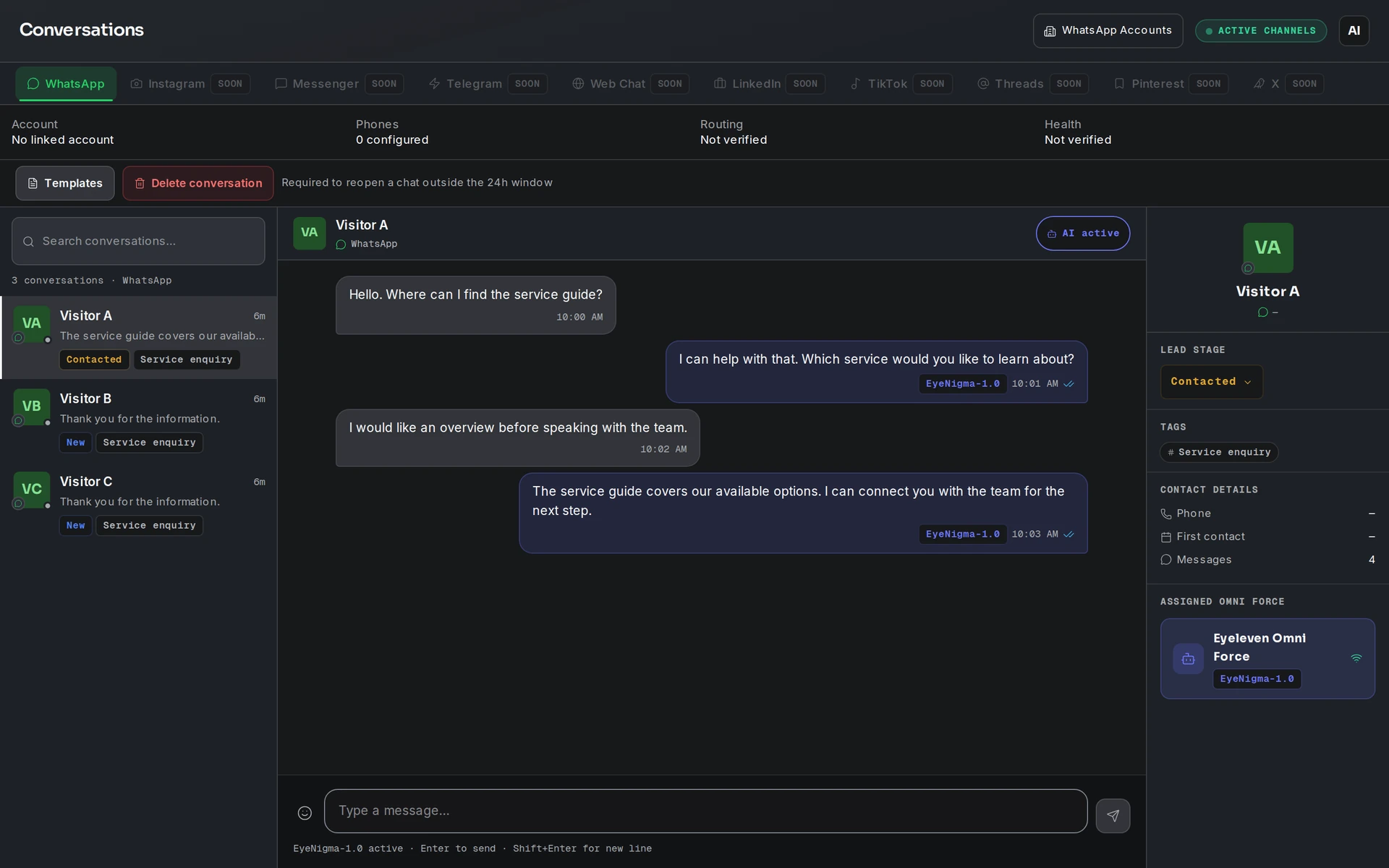
Keep workflow state, approved knowledge and human handoff in the same operating environment.
07 / Industry FAQ
Only after reviewed booking access and property rules support confirmation. Otherwise it gathers the request for the host.
Only through a verified, approved, and properly timed access process. This page does not assume that capability is enabled.
Your team defines the handoff conditions. When one is met, the workflow pauses and passes the conversation with its context intact.
Bring property information, house rules, booking access, guest verification, arrival timing, and host escalation paths.
Explore more
 Travel & hospitality
Qualify travel intent, guide package discovery, and coordinate quote follow-up with advisor supervision.
Explore the workflow Travel & hospitality
Coordinate tables and events while menu, allergy, and exception decisions stay with your restaurant team.
Explore the workflow Commerce
Guide decisions, continue eligible checkouts, and support customers with one supervised AI workforce.
Explore the workflowVacation rentals · Eyeleven AI Workforce OS
Connect its approved knowledge, define the handoff, and give your first OmniForce a clear role.