Enquiries peak during service
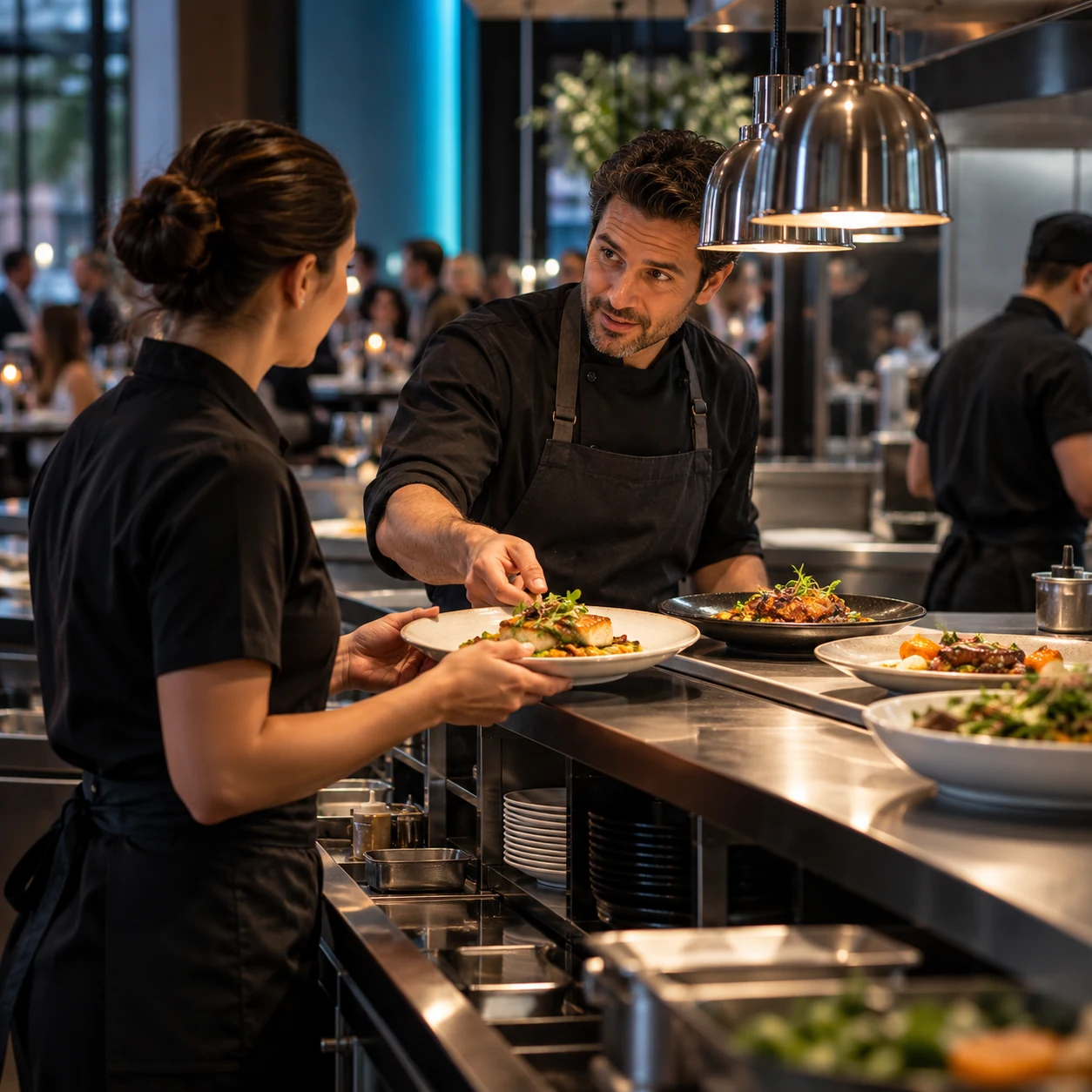
Reservation and event questions arrive when the front-of-house team is serving guests.
Eyeleven / Restaurants
Coordinate tables and events while menu, allergy, and exception decisions stay with your restaurant team.
01 / Operational challenges
Reservation and event questions arrive when the front-of-house team is serving guests.
Date, party size, seating, menu needs, and occasion determine the right next step.
Approved information can help, but the restaurant must confirm ingredients and safety decisions.
02 / Example functions
Industry-specific workflow examples. The eleven OmniForce Director templates define department responsibility; your workspace defines which tasks are enabled.
Collects party details and checks the configured table path.
Builds a complete private-event brief for the events team.
Answers approved policy and menu questions, then routes safety concerns.
Explore the 11 master departments ↗ to see their responsibilities and approval boundaries.
03 / Customer journey
An illustrative workflow. No customer operation is running and no action is being sent.
A guest asks about a birthday dinner for a group with dietary requirements.
Step 01 · Guest
Collect date, time, party size, occasion, and dietary questions.
Avoid treating a dietary preference as an allergy assessment.
Step 02 · Reservation workflow
Read the approved reservation and event rules.
Do not confirm availability without the configured source.
Step 03 · Workflow
Create the group brief and route it to the correct restaurant owner.
Keep allergy questions visibly unresolved.
Step 04 · Restaurant team
Confirm availability, menu details, and any safety-sensitive request.
Staff own ingredient and cross-contact commitments.
04 / Capabilities and connections
Receive guest and event enquiries.
Use approved hours, policies, menu, and event information.
Coordinate requests only through reviewed availability.
Send group, allergy, and exception questions to the responsible staff.
Available actions depend on your plan, connected tools, channel permissions and configured approval rules.
05 / Operational outcomes
The intended outcomes of a configured workflow, not measured customer results.
Party details and open questions arrive together.
Routine questions are answered from approved information during service.
Allergy and special-event commitments remain with the restaurant team.
06 / Inside the OS
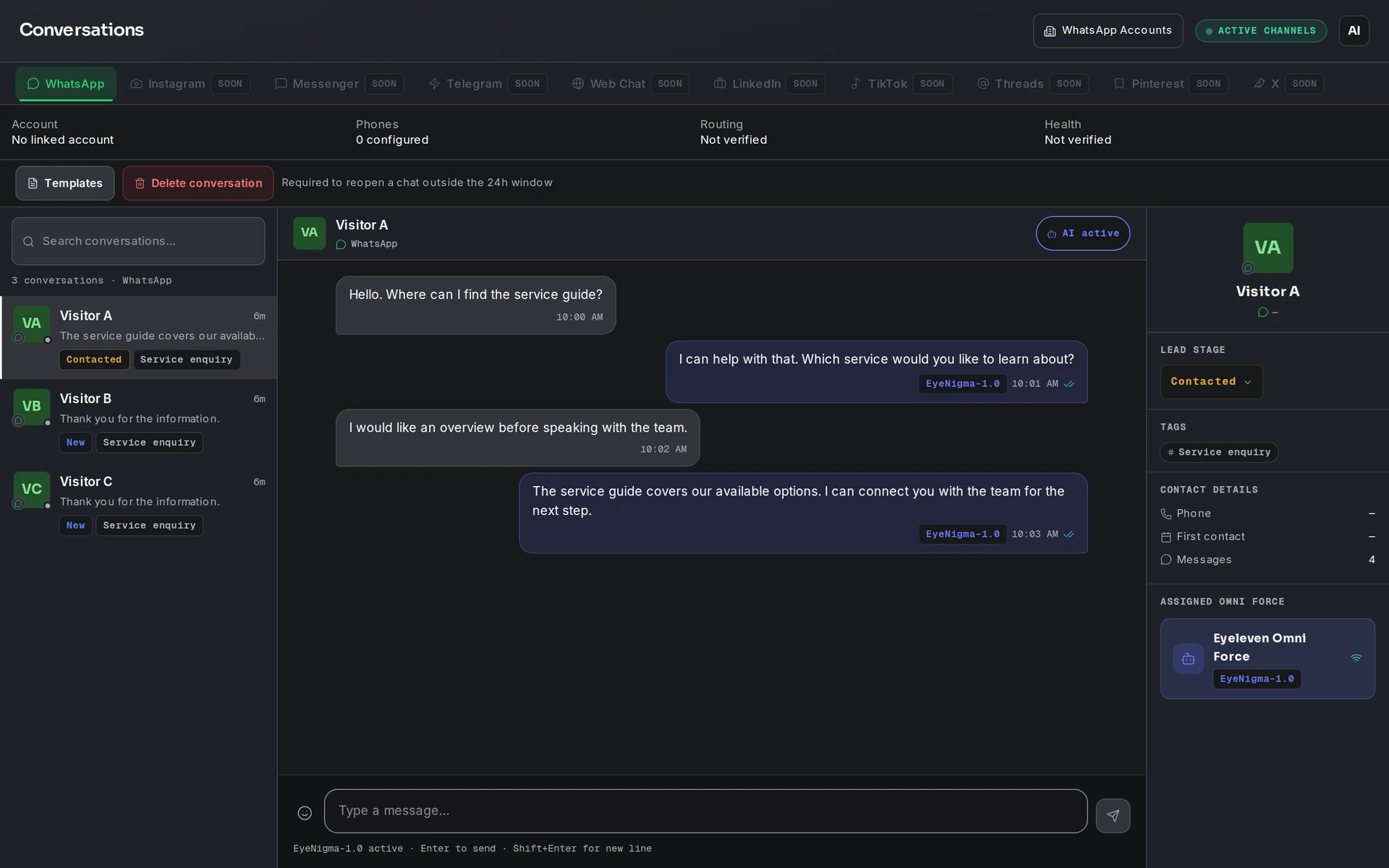
Keep workflow state, approved knowledge and human handoff in the same operating environment.
07 / Industry FAQ
No. It can share approved menu information and route the question. Restaurant staff must confirm ingredients and cross-contact risks.
Only when reviewed reservation access and restaurant rules support confirmation. Otherwise it gathers the request for staff.
Your team defines the handoff conditions. When one is met, the workflow pauses and passes the conversation with its context intact.
Bring the reservation rules, menu and policy content, event process, scheduling access, and staff escalation owners.
Explore more
 Travel & hospitality
Qualify travel intent, guide package discovery, and coordinate quote follow-up with advisor supervision.
Explore the workflow Travel & hospitality
Guide booking enquiries, prepare arrivals, and route on-stay exceptions with host supervision.
Explore the workflow Commerce
Guide decisions, continue eligible checkouts, and support customers with one supervised AI workforce.
Explore the workflowRestaurants · Eyeleven AI Workforce OS
Connect its approved knowledge, define the handoff, and give your first OmniForce a clear role.