Project enquiries lack scope
Site, stage, trade, timing, and decision owner need structure before anyone can respond well.
Eyeleven / Construction
Structure enquiries, coordinate site tasks, and keep safety, scope, and commercial decisions with responsible teams.

01 / Operational challenges
Site, stage, trade, timing, and decision owner need structure before anyone can respond well.
Requests, photos, and open decisions can lose ownership between office and site.
Automation must route risk, scope, and commercial changes to responsible people.
02 / Example functions
Industry-specific workflow examples. The eleven OmniForce Director templates define department responsibility; your workspace defines which tasks are enabled.
Structures new project and supplier enquiries.
Creates tasks from approved operational requests.
Routes safety, variation, and commercial decisions.
Explore the 11 master departments ↗ to see their responsibilities and approval boundaries.
03 / Customer journey
An illustrative workflow. No customer operation is running and no action is being sent.
A subcontractor reports an access issue that may affect the next scheduled task.
Step 01 · Site contact
Record project, location, issue, timing, and available evidence.
Do not treat the channel as an emergency safety system.
Step 02 · Coordination workflow
Apply the approved request categories and ownership rules.
Flag safety or scope uncertainty immediately.
Step 03 · Workflow
Create the task and attach the request context to the responsible owner.
Do not issue technical directions.
Step 04 · Supervisor
Assess safety, sequencing, scope, and commercial impact.
Authorized people own site instructions and approvals.
04 / Capabilities and connections
Receive approved field and supplier requests.
Use approved project and process information.
Assign operational follow-up with context.
Escalate safety, scope, and commercial decisions.
Available actions depend on your plan, connected tools, channel permissions and configured approval rules.
05 / Operational outcomes
The intended outcomes of a configured workflow, not measured customer results.
Project and site context follows the assigned action.
Safety and scope uncertainty is separated from routine coordination.
Office and site teams see the same request summary.
06 / Inside the OS
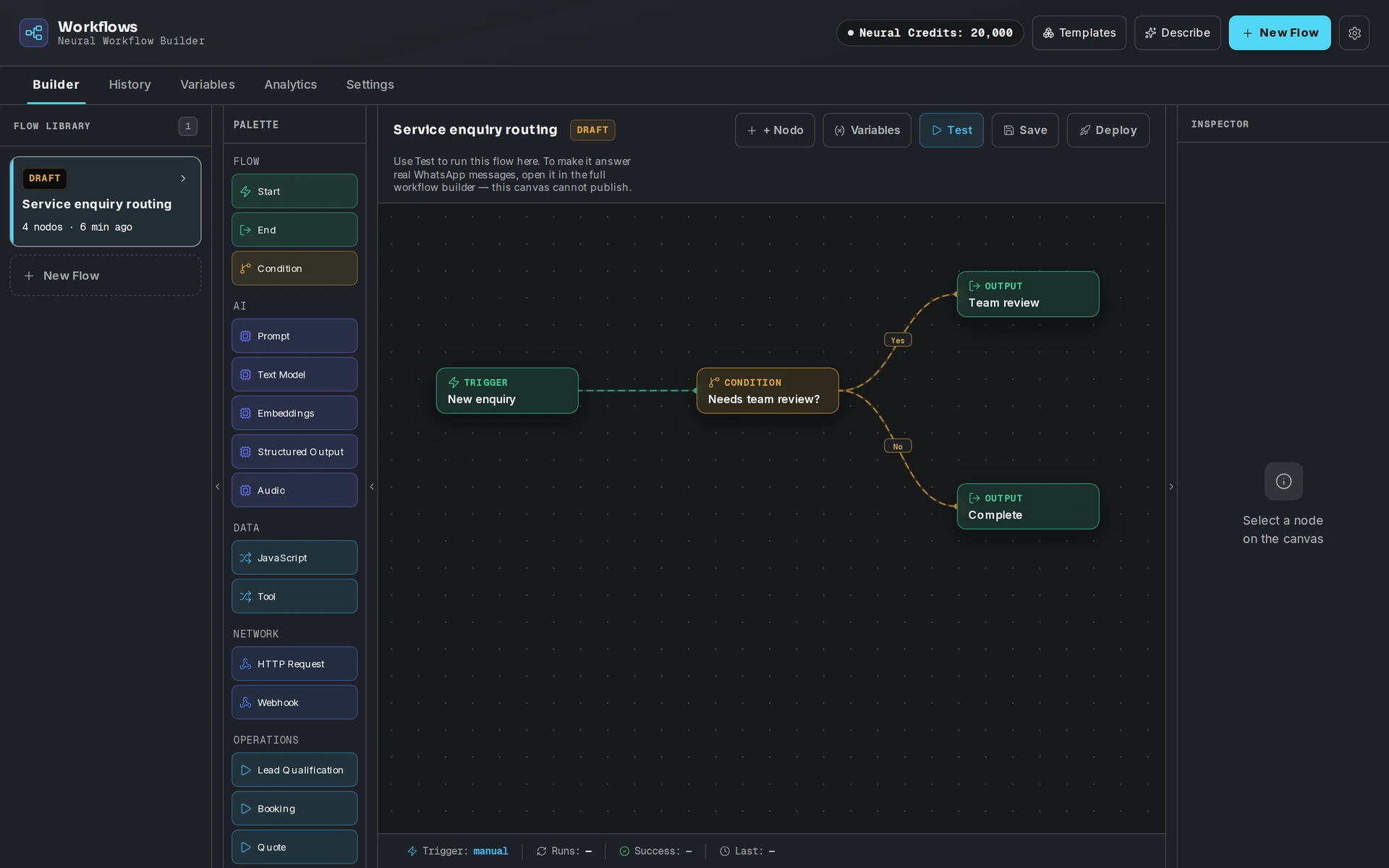
Keep workflow state, approved knowledge and human handoff in the same operating environment.
07 / Industry FAQ
No. It can structure and route requests. Technical, safety, scope, and commercial instructions remain with authorized people.
No. Sites must keep their established emergency and safety procedures. This workflow cannot replace them.
Your team defines the handoff conditions. When one is met, the workflow pauses and passes the conversation with its context intact.
Bring project request categories, approved knowledge, task ownership, safety boundaries, and supervisor escalation paths.
Explore more
 Property & operations
Qualify intent, guide buyers through approved listings, and prepare each viewing handoff for an agent.
Explore the workflow Property & operations
Handle routine status questions, collect exception context, and keep dispatch decisions with your operations team.
Explore the workflow Commerce
Guide decisions, continue eligible checkouts, and support customers with one supervised AI workforce.
Explore the workflowConstruction · Eyeleven AI Workforce OS
Connect its approved knowledge, define the handoff, and give your first OmniForce a clear role.