Enquiries lack decision context
Budget, location, timing, and financing status often emerge only after several exchanges.
Eyeleven / Real estate
Qualify intent, guide buyers through approved listings, and prepare each viewing handoff for an agent.

01 / Operational challenges
Budget, location, timing, and financing status often emerge only after several exchanges.
Price, layout, amenities, and availability must stay aligned with the agency's current inventory.
Preferences, agent calendars, and open property questions can live in separate conversations.
02 / Example functions
Industry-specific workflow examples. The eleven OmniForce Director templates define department responsibility; your workspace defines which tasks are enabled.
Collects the criteria an agent needs before deciding the next step.
Answers from approved property records and flags missing facts.
Collects suitable times and routes confirmation to the responsible agent.
Explore the 11 master departments ↗ to see their responsibilities and approval boundaries.
03 / Customer journey
An illustrative workflow. No customer operation is running and no action is being sent.
A buyer asks about a two-bedroom property near transit and needs financing.
Step 01 · Buyer
Capture budget, location, timing, and relevant financing context.
Ask operational questions without inferring protected characteristics.
Step 02 · Listing Guide
Compare the request with current approved listing facts.
Disclose missing information and never invent availability.
Step 03 · Viewing workflow
Collect preferred times and check the configured scheduling path.
Do not confirm until the responsible system or agent approves.
Step 04 · Agent
Receive requirements, open questions, and viewing preferences in one summary.
Negotiation and commitments remain with the agent.
04 / Capabilities and connections
Bring eligible website and WhatsApp enquiries into one queue.
Ground responses in inventory approved by the agency.
Coordinate viewing requests against reviewed availability.
Record context and assign the next human step.
Available actions depend on your plan, connected tools, channel permissions and configured approval rules.
05 / Operational outcomes
The intended outcomes of a configured workflow, not measured customer results.
Requirements and unresolved questions arrive before the first agent call.
Responses stay tied to the inventory source instead of memory.
Preferred times and responsible agents remain connected to the enquiry.
06 / Inside the OS
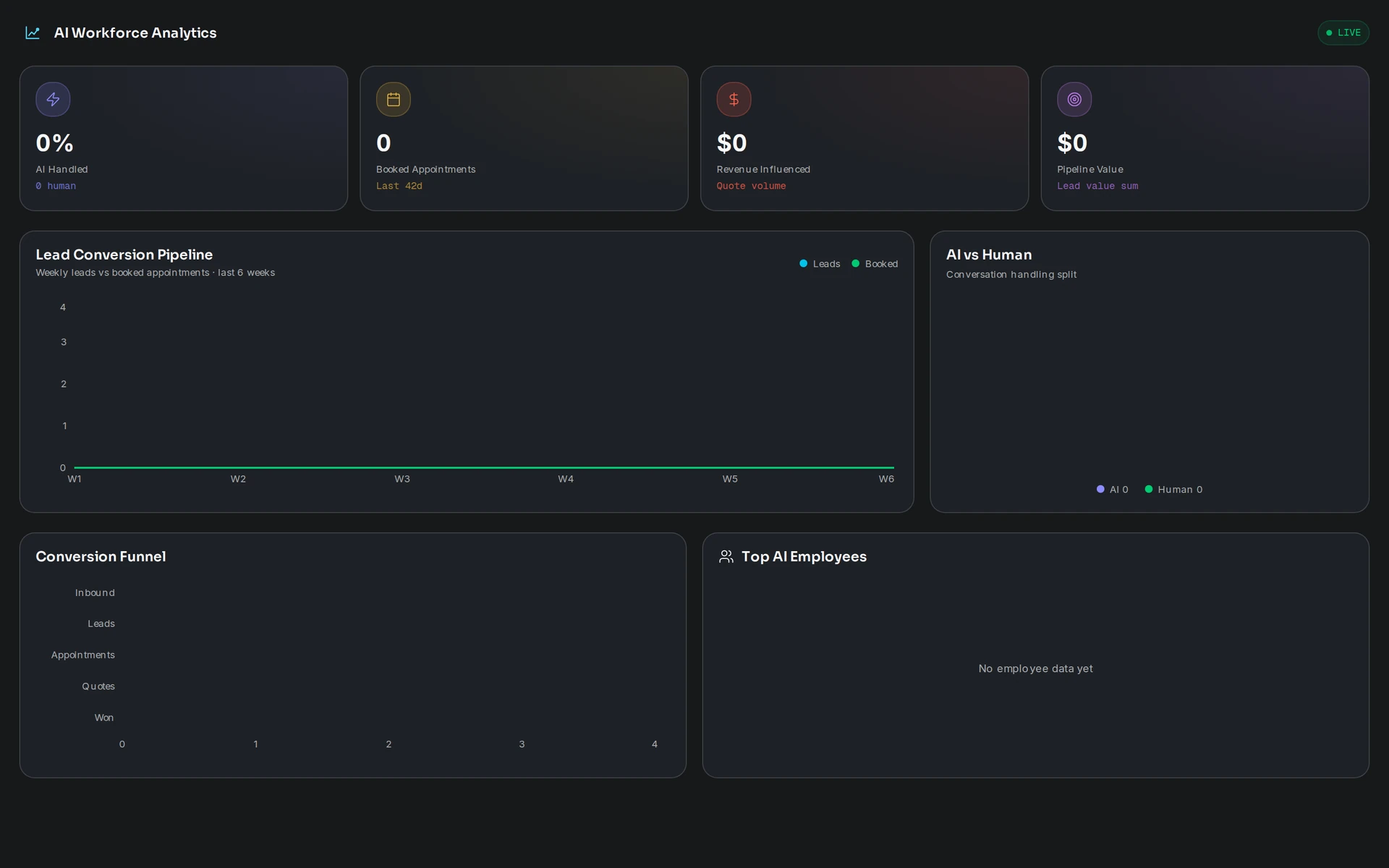
Keep workflow state, approved knowledge and human handoff in the same operating environment.
07 / Industry FAQ
The workflow uses the property information your agency approves. The setup review determines how updates arrive and who owns accuracy.
No. Negotiation, exceptions, and commitments stay with your agents. Unverified availability must be disclosed and handed off.
Your team defines the handoff conditions. When one is met, the workflow pauses and passes the conversation with its context intact.
Bring the listing source, qualification criteria, viewing rules, calendar requirements, and agent routing process.
Explore more
 Property & operations
Structure enquiries, coordinate site tasks, and keep safety, scope, and commercial decisions with responsible teams.
Explore the workflow Property & operations
Handle routine status questions, collect exception context, and keep dispatch decisions with your operations team.
Explore the workflow Commerce
Guide decisions, continue eligible checkouts, and support customers with one supervised AI workforce.
Explore the workflowReal estate · Eyeleven AI Workforce OS
Connect its approved knowledge, define the handoff, and give your first OmniForce a clear role.