Programme choice needs context
Goals, schedule, prerequisites, and format shape which course information is relevant.
Eyeleven / Education
Guide programme discovery, collect applicant context, and keep academic decisions with your admissions team.

01 / Operational challenges
Goals, schedule, prerequisites, and format shape which course information is relevant.
Deadlines, documents, and process steps require consistent approved answers.
Eligibility, exceptions, and academic guidance need the responsible staff.
02 / Example functions
Industry-specific workflow examples. The eleven OmniForce Director templates define department responsibility; your workspace defines which tasks are enabled.
Matches goals with approved programme information.
Organizes application questions and next actions.
Routes academic and exception questions with context.
Explore the 11 master departments ↗ to see their responsibilities and approval boundaries.
03 / Customer journey
An illustrative workflow. No customer operation is running and no action is being sent.
A working learner asks about a part-time programme and entry requirements.
Step 01 · Applicant
Capture study goal, schedule, prior experience, and format preference.
Collect only information needed for guidance.
Step 02 · Programme workflow
Compare approved programme and prerequisite information.
Do not decide eligibility.
Step 03 · Admissions workflow
Share the approved checklist and register open questions.
Use current deadlines and document rules only.
Step 04 · Admissions team
Review eligibility, exceptions, and the right next conversation.
People own admissions and academic decisions.
04 / Capabilities and connections
Use approved courses, prerequisites, and schedules.
Continue eligible applicant conversations.
Keep documents and follow-up actions visible.
Send decisions and exceptions to the right staff.
Available actions depend on your plan, connected tools, channel permissions and configured approval rules.
05 / Operational outcomes
The intended outcomes of a configured workflow, not measured customer results.
Programme and document questions receive a consistent starting point.
Eligibility and exceptions remain with staff.
Open questions and application tasks stay connected.
06 / Inside the OS
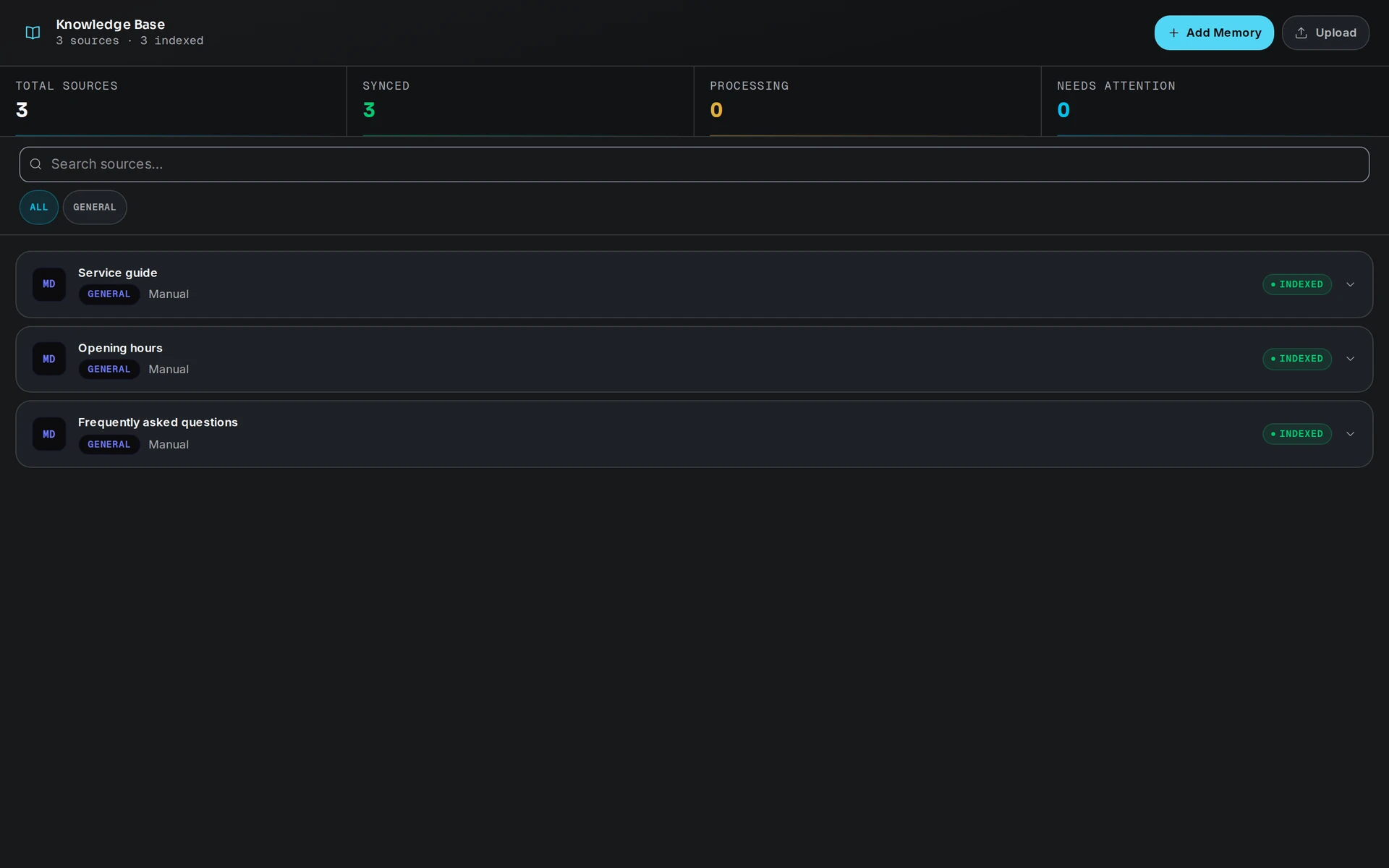
Keep workflow state, approved knowledge and human handoff in the same operating environment.
07 / Industry FAQ
No. It can explain approved criteria and collect context. Admissions decisions stay with authorized staff.
The institution provides the approved source and owner. Outdated or missing information must be flagged instead of guessed.
Your team defines the handoff conditions. When one is met, the workflow pauses and passes the conversation with its context intact.
Bring programme information, application rules, deadlines, channel access, and admissions escalation ownership.
Explore more
 Professional services
Qualify purchase and service intent, coordinate appointments, and route commitments to dealership staff.
Explore the workflow Professional services
Qualify scope, organize context, and route each opportunity to the specialist who should decide next.
Explore the workflow Professional services
Guide approved information and document preparation while regulated decisions remain with authorized professionals.
Explore the workflowEducation · Eyeleven AI Workforce OS
Connect its approved knowledge, define the handoff, and give your first OmniForce a clear role.