Product questions need precise boundaries
General information can help, but personal advice and suitability decisions require authorization.
Eyeleven / Financial services
Guide approved information and document preparation while regulated decisions remain with authorized professionals.

01 / Operational challenges
General information can help, but personal advice and suitability decisions require authorization.
Customers need clear approved checklists and visibility into missing administrative items.
Identity, account, dispute, and exception paths must follow established security procedures.
02 / Example functions
Industry-specific workflow examples. The eleven OmniForce Director templates define department responsibility; your workspace defines which tasks are enabled.
Explains approved general product information without advising.
Guides approved preparation and tracks missing items.
Routes advice, identity, and account-specific requests.
Explore the 11 master departments ↗ to see their responsibilities and approval boundaries.
03 / Customer journey
An illustrative workflow. No customer operation is running and no action is being sent.
A business owner asks what information is needed before discussing financing options.
Step 01 · Customer
Identify the general product area and administrative goal.
Do not request account secrets or unnecessary sensitive data.
Step 02 · Information workflow
Share the approved general process and document checklist.
Do not recommend a product or assess suitability.
Step 03 · Document workflow
Record missing administrative items and the requested advisor contact.
Use approved secure channels for protected information.
Step 04 · Authorized professional
Handle advice, eligibility, pricing, and regulated decisions.
Automation stops before advice or commitment.
04 / Capabilities and connections
Use reviewed product and process information.
Move account-specific requests to approved channels.
Track administrative preparation without exposing secrets.
Route judgement and regulated decisions to authorized staff.
Available actions depend on your plan, connected tools, channel permissions and configured approval rules.
05 / Operational outcomes
The intended outcomes of a configured workflow, not measured customer results.
Customers know the approved administrative next step.
General information stays separate from advice and suitability.
Sensitive and account-specific requests enter the proper human process.
06 / Inside the OS
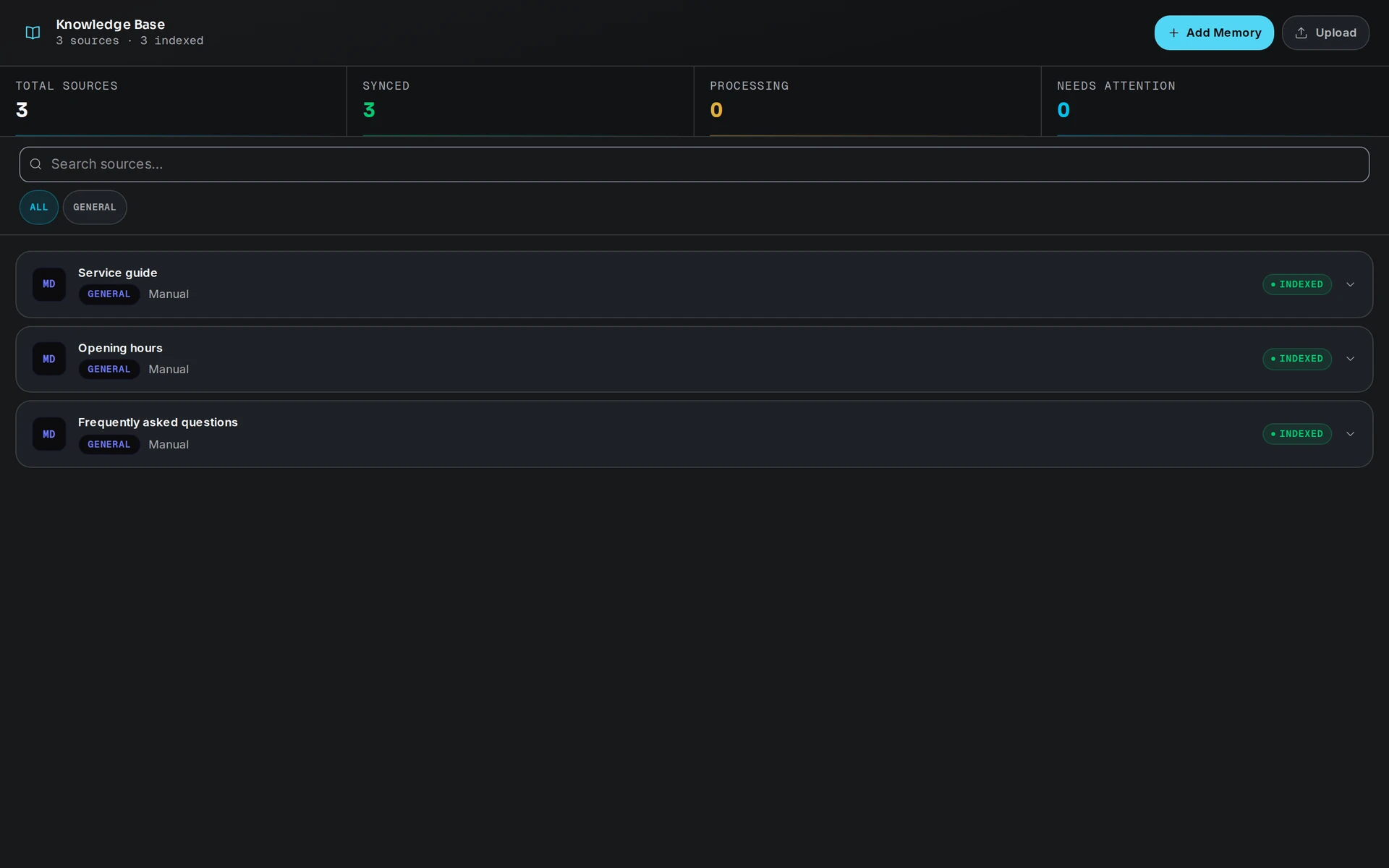
Keep workflow state, approved knowledge and human handoff in the same operating environment.
07 / Industry FAQ
No. It is limited to approved general information and administrative coordination. Advice and regulated decisions remain with authorized professionals.
Only after security, privacy, access, retention, and approved-channel requirements are reviewed. This page does not assume document collection is enabled.
Your team defines the handoff conditions. When one is met, the workflow pauses and passes the conversation with its context intact.
Review the permitted information, regulatory boundaries, secure channels, retention rules, and authorized handoff owners.
Explore more
 Professional services
Guide programme discovery, collect applicant context, and keep academic decisions with your admissions team.
Explore the workflow Professional services
Qualify purchase and service intent, coordinate appointments, and route commitments to dealership staff.
Explore the workflow Professional services
Qualify scope, organize context, and route each opportunity to the specialist who should decide next.
Explore the workflowFinancial services · Eyeleven AI Workforce OS
Connect its approved knowledge, define the handoff, and give your first OmniForce a clear role.