Potential matters arrive unstructured
Matter type, parties, jurisdiction, deadlines, and goals need careful intake before review.
Eyeleven / Legal services
Collect matter context, coordinate consultations, and keep conflict checks and legal judgement with your firm.

01 / Operational challenges
Matter type, parties, jurisdiction, deadlines, and goals need careful intake before review.
A firm cannot assume it can act before responsible staff complete the established process.
Administrative guidance must stop before analysis, strategy, or legal conclusions.
02 / Example functions
Industry-specific workflow examples. The eleven OmniForce Director templates define department responsibility; your workspace defines which tasks are enabled.
Collects approved administrative context for a potential matter.
Explains approved consultation and document-preparation steps.
Stops before advice and routes the intake for conflict review.
Explore the 11 master departments ↗ to see their responsibilities and approval boundaries.
03 / Customer journey
An illustrative workflow. No customer operation is running and no action is being sent.
A business asks for a consultation about a contract deadline and names the counterparties.
Step 01 · Potential client
Capture matter category, parties, jurisdiction, deadline, and contact preference.
Avoid soliciting detailed confidential strategy before the firm accepts the matter.
Step 02 · Process workflow
Share the firm's approved intake and consultation process.
Do not interpret law or predict an outcome.
Step 03 · Workflow
Create an administrative summary for conflict review.
Mark urgent deadlines and unresolved information.
Step 04 · Firm staff
Complete conflict checks and decide whether counsel can engage.
Only lawyers provide legal advice.
04 / Capabilities and connections
Use the channels and fields the firm approves.
Explain approved practice and consultation processes.
Track conflict review and consultation ownership.
Route judgement and advice to qualified lawyers.
Available actions depend on your plan, connected tools, channel permissions and configured approval rules.
05 / Operational outcomes
The intended outcomes of a configured workflow, not measured customer results.
Staff receive the administrative facts needed for initial review.
The automated path stops before legal analysis.
Conflict checks and deadlines reach the responsible team.
06 / Inside the OS
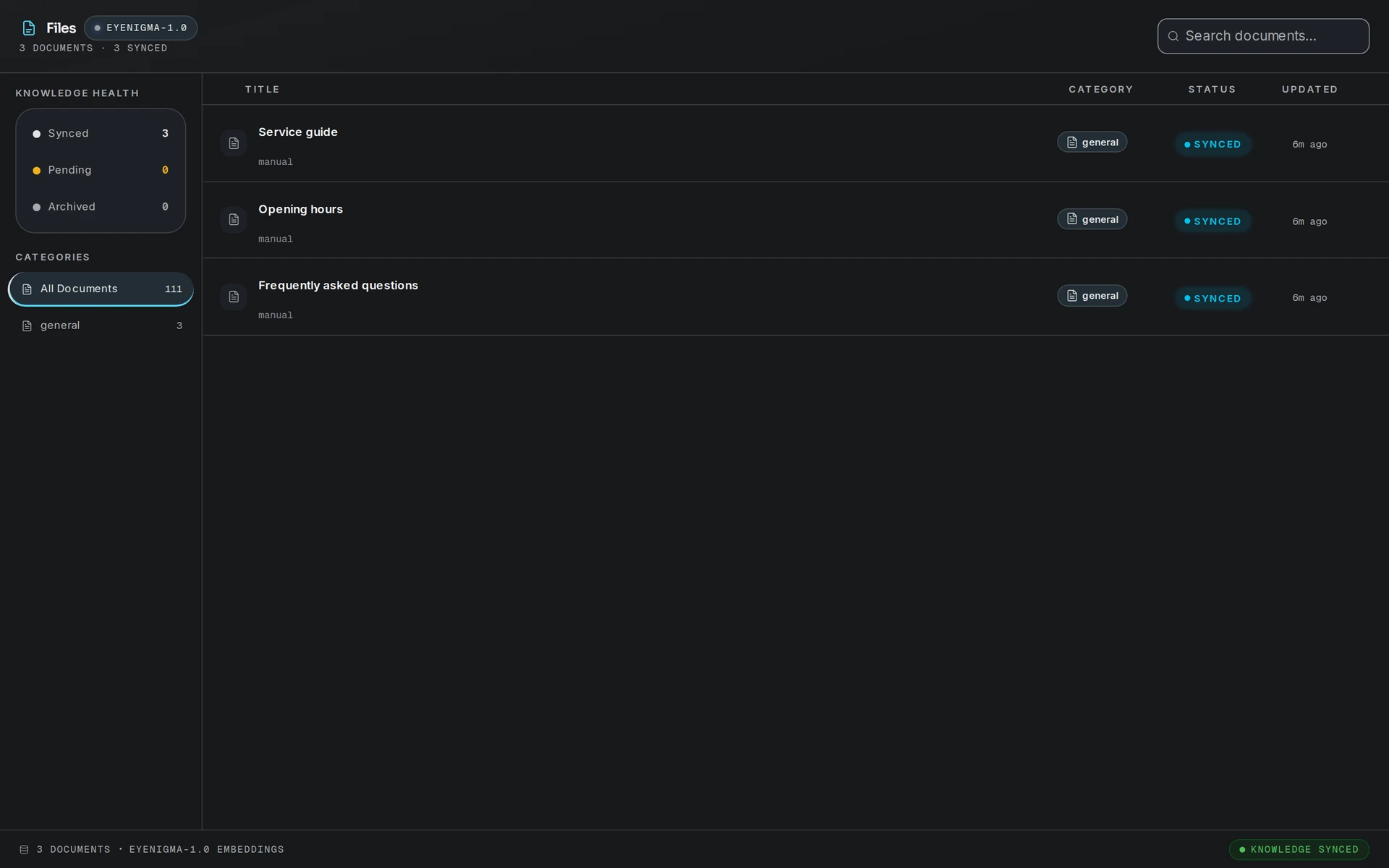
Keep workflow state, approved knowledge and human handoff in the same operating environment.
07 / Industry FAQ
No. It can support administrative intake and approved process information. Legal analysis and advice remain with qualified lawyers.
No. The firm must communicate its engagement and confidentiality terms through its approved process.
Your team defines the handoff conditions. When one is met, the workflow pauses and passes the conversation with its context intact.
Bring the approved intake fields, confidentiality notice, conflict process, deadline rules, secure channels, and counsel routing.
Explore more
 Professional services
Guide programme discovery, collect applicant context, and keep academic decisions with your admissions team.
Explore the workflow Professional services
Qualify purchase and service intent, coordinate appointments, and route commitments to dealership staff.
Explore the workflow Professional services
Qualify scope, organize context, and route each opportunity to the specialist who should decide next.
Explore the workflowLegal services · Eyeleven AI Workforce OS
Connect its approved knowledge, define the handoff, and give your first OmniForce a clear role.